DefiPOS Documentation
A step-by-step guide to accepting crypto payments straight to your own wallet
1. Account Creation
Sign up in seconds. No KYC.
Google (Recommended)
One click with your Gmail account. Done.
Enter an email, create a password, confirm with a one-time code.
2. Cryptocurrency Configuration
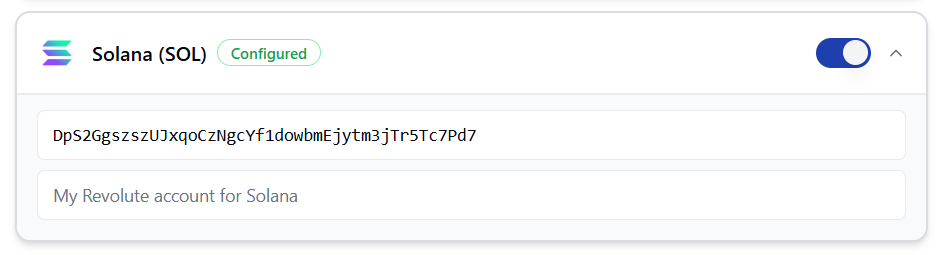
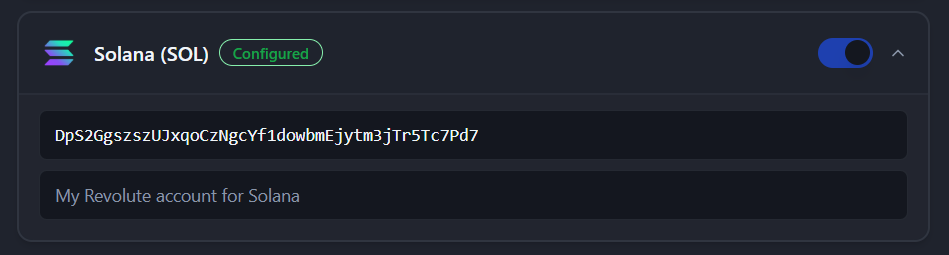
Head to Admin Dashboard → Wallets. Toggle on the coins you want to accept and paste in your wallet addresses. No wallet yet? The deposit address from an exchange app such as Revolut, Coinbase or Kraken works too; the money then sits with that exchange, not in your own wallet. Check it supports that coin and network, and its minimum deposit.
Native Coins
- •
 Bitcoin (BTC)
 - •
 Ethereum (ETH)
 - •
 Solana (SOL)
 - •
 TRON (TRX)
 - •
 BNB (BNB)
 - •
 Polygon (POL)
Stablecoins
- •
 USDT (Ethereum, Solana, Tron, Base, BNB Smart Chain, Polygon)
 - •
 USDC (Ethereum, Solana, Base, Polygon)
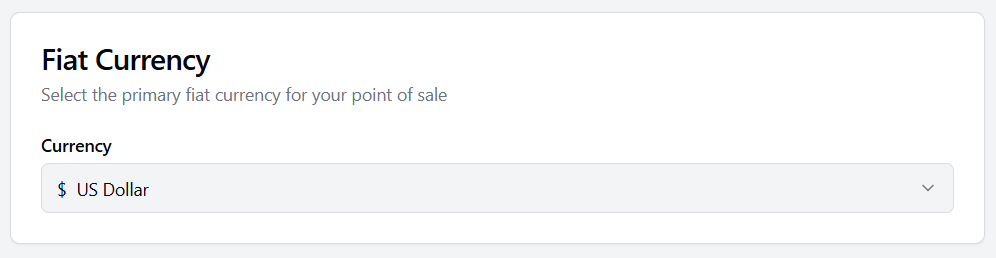
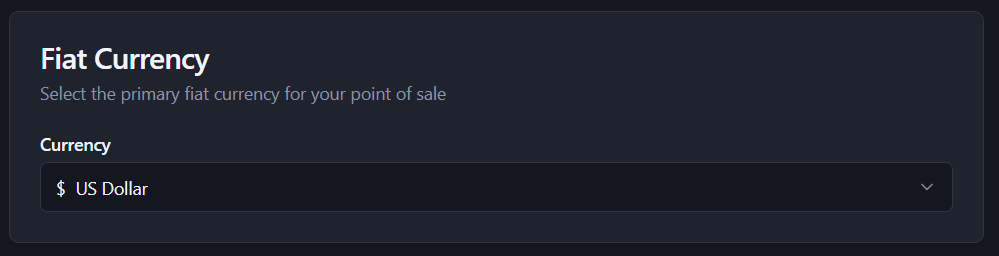
Fiat Currency Preference
Pick the currency you want to price things in: USD, EUR, GBP, JPY, CAD, AUD, CNY or INR.
3. Business Settings (Optional)
Business Name
The name your customers see at checkout or you can leave it blank.
Customer Display
If you have a second phone or tablet you can turn it into a customer display for busy counters or table service.
4. Transaction History
Keep tabs on what you've taken. Simple and flexible.
- Free plan: view your last 10 transactions.
- Premium (coming soon): your full history, with search.
- CSV export (Premium): download your sales for your accounts.
- Privacy: prefer to keep no records? Turn tracking off entirely. Payments still confirm on-chain but nothing will be stored if you turn it off.
5. Point of Sale
The main screen you'll use day-to-day. Works on any phone, tablet, or laptop.
- Type the price in your local currency.
- Pick which coin the customer wants to pay with.
- Show them the QR code.
- They scan and confirm in their wallet. The payment goes straight to your wallet, and DefiPOS marks the sale as paid automatically, in seconds to minutes depending on the coin.